Your AWS fleet,
in your pocket
Manage Lightsail instances, databases, networking, and storage — with SSH terminal, fleet commands, and real-time health insights — all from your iPhone or iPad.
Features
SSH Terminal
Full xterm-256color terminal with custom keyboard toolbar. Connect to any instance with one tap.
Fleet Commands
Run commands on multiple instances simultaneously. Save presets for common operations.
Health Insights
Anomaly detection, trend analysis, and burst capacity warnings. Know what happened while you were away.
Cost Optimizer
Find over-provisioned instances, unused resources, and stopped servers still costing money.
Quick Tunnel
SSH port forwarding to access remote services. Preview web apps or connect to databases securely.
Incident Timeline
Correlated view of operations, metric anomalies, and state changes. Understand what happened and when.
How it works
Sign in with AWS
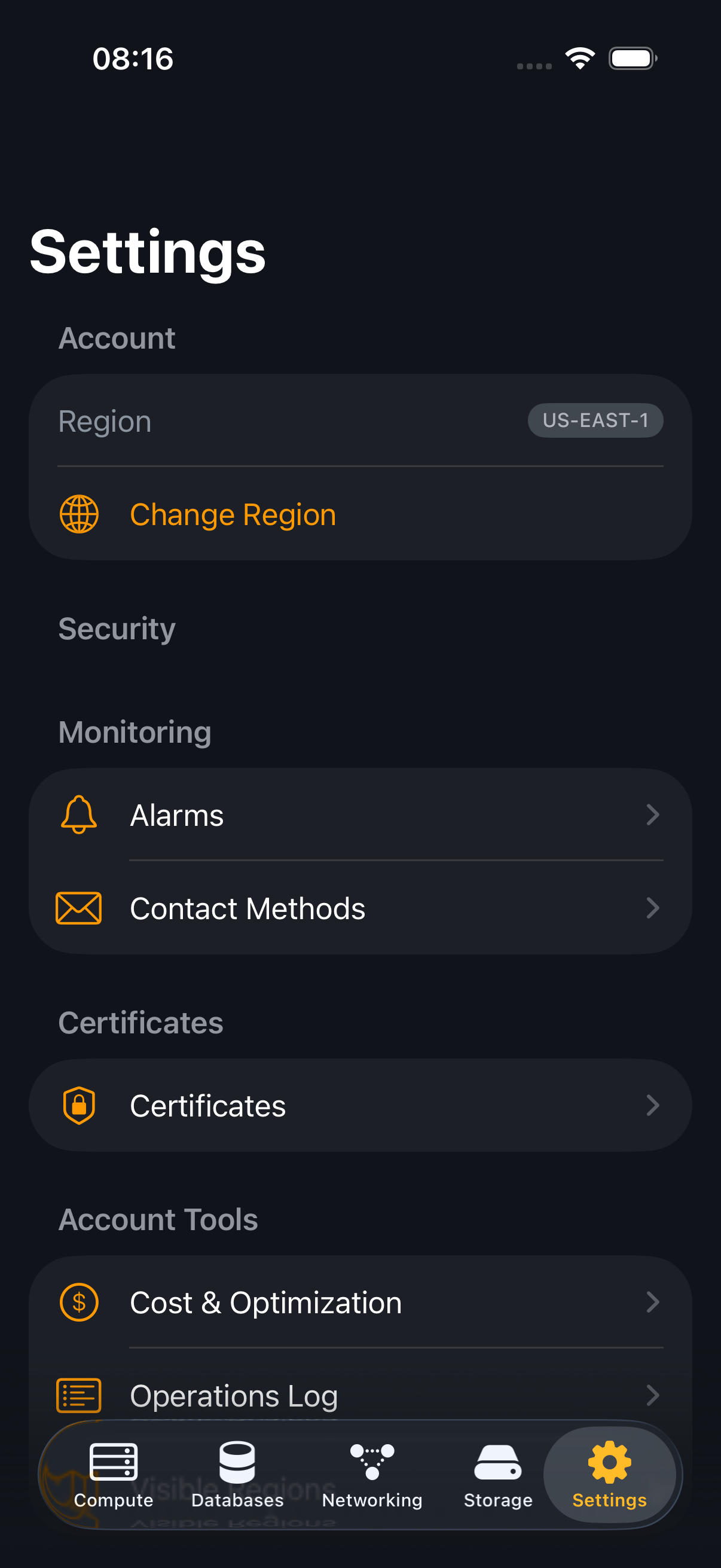
Use IAM access keys or AWS SSO. Credentials are stored in the iOS Keychain, never on disk.
See everything at a glance
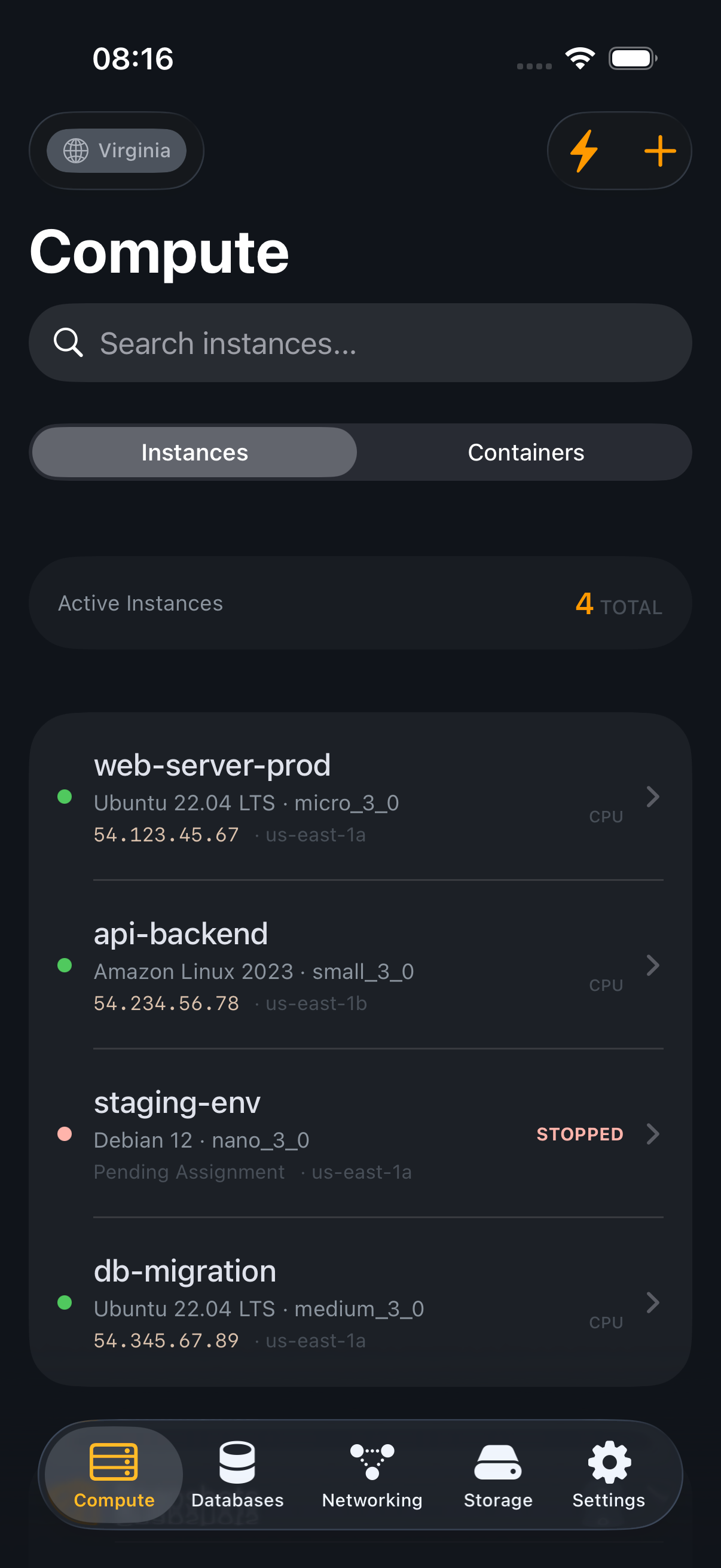
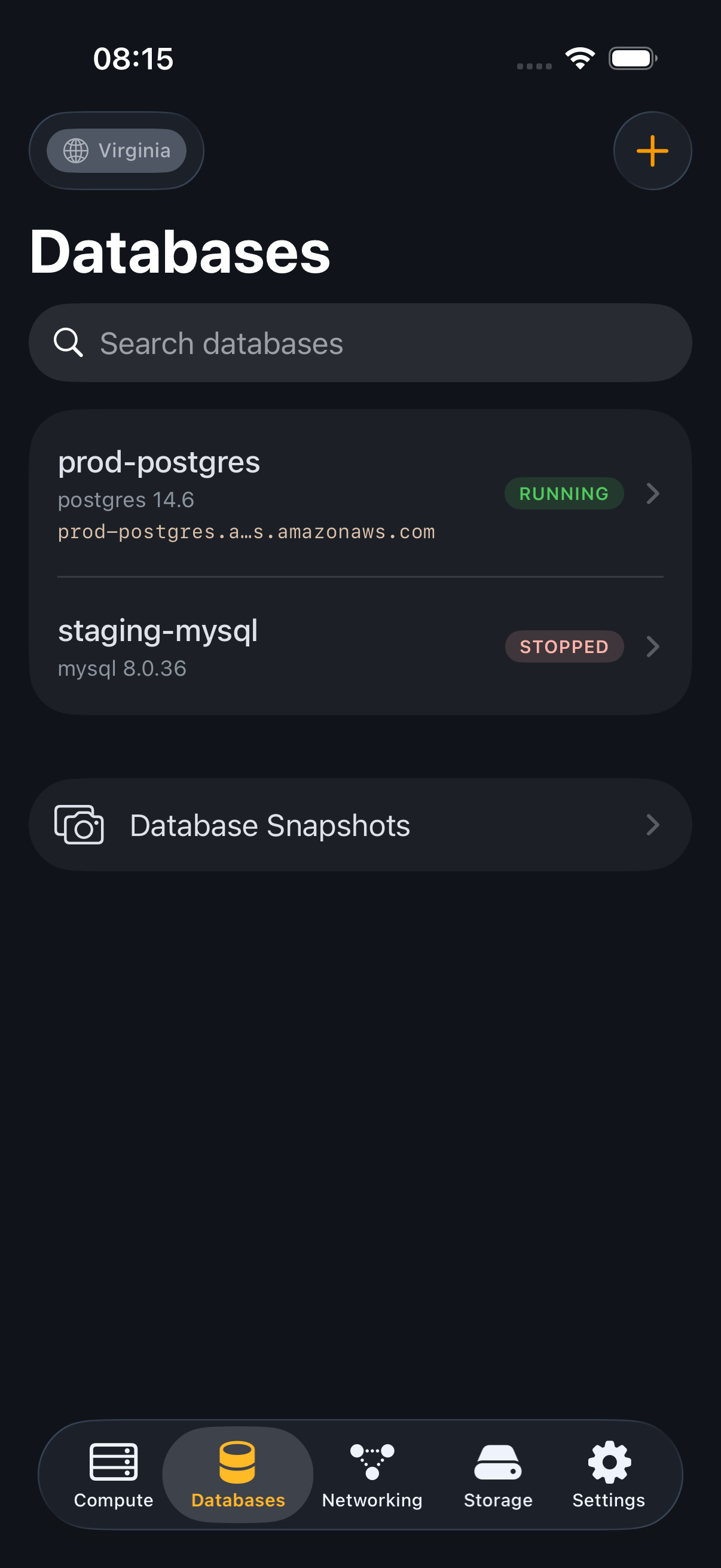
Instances, databases, networking, storage — all organized by resource type with real-time status.
Take action from anywhere
Start, stop, reboot, SSH, manage firewall rules, create snapshots — all from your phone.
Stay informed
Health insights detect anomalies, cost optimizer finds savings, and the incident timeline shows what happened.
Your credentials stay on your device
Lightsail Mobile communicates directly with the AWS API over HTTPS. No data is collected, no analytics run, no proxy servers are used. Your AWS credentials are stored in the iOS Keychain with hardware-backed encryption. Read the full privacy policy →